
Here's exactly what happens when a payment fails, and the quickest way to sort it out.
What happens immediately
The invoice is marked as failed and your subscription enters a grace period - 5 days by default. Sending is suspended straight away, not just once the grace period runs out. You'll get an email, a notification in your portal bell, and an amber "Payment required" panel on your dashboard listing the amount, due date and that the last attempt was declined. There's no automatic retry - it's on you to update your card or retry the charge.
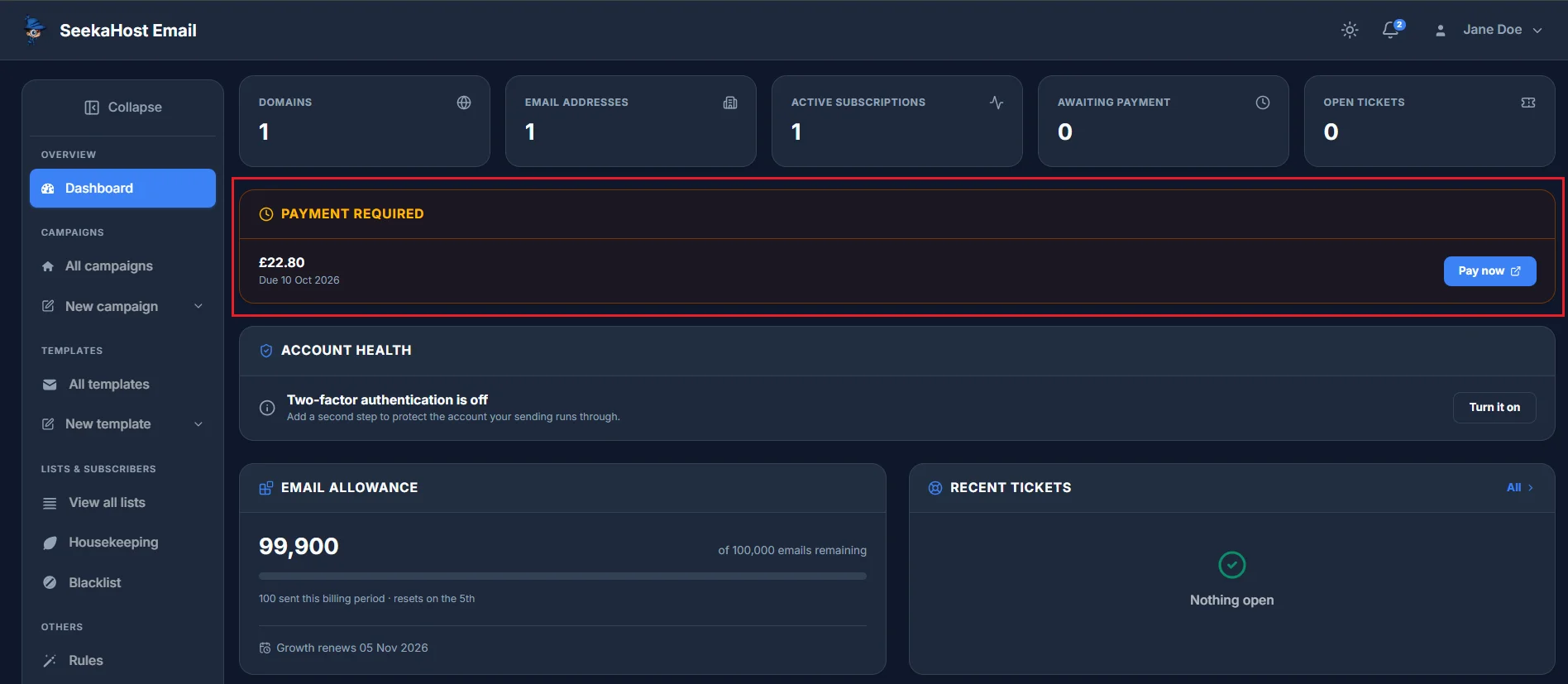
Updating your card
Go to Billing → Payment methods and add or replace your card. This is also the place to update an expiring card before it becomes a problem.
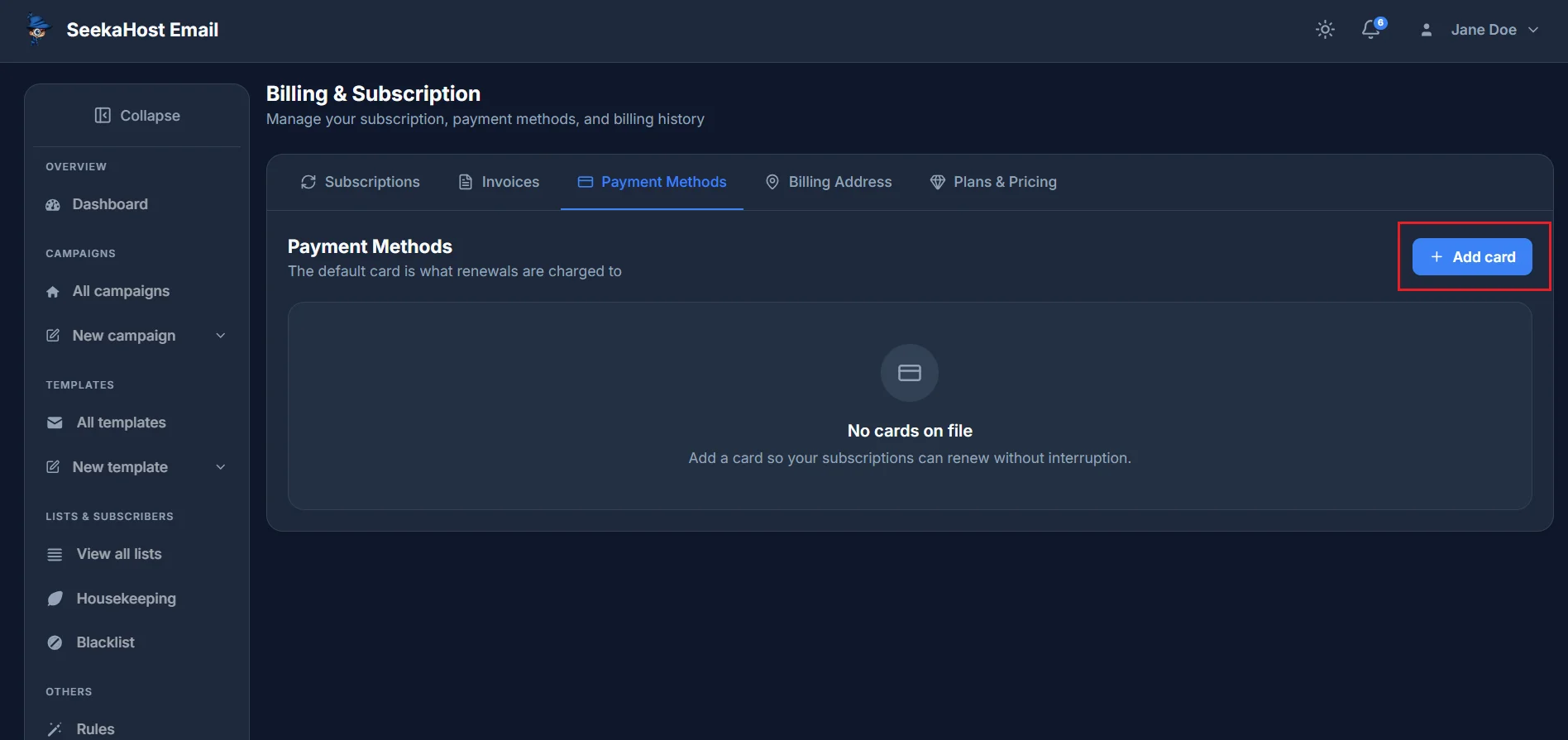
Retrying the payment
Billing → Invoices lists every charge raised against your account, with a banner at the top totalling what's unpaid. Find the failed invoice and click Pay now in its row to retry the charge directly against it.
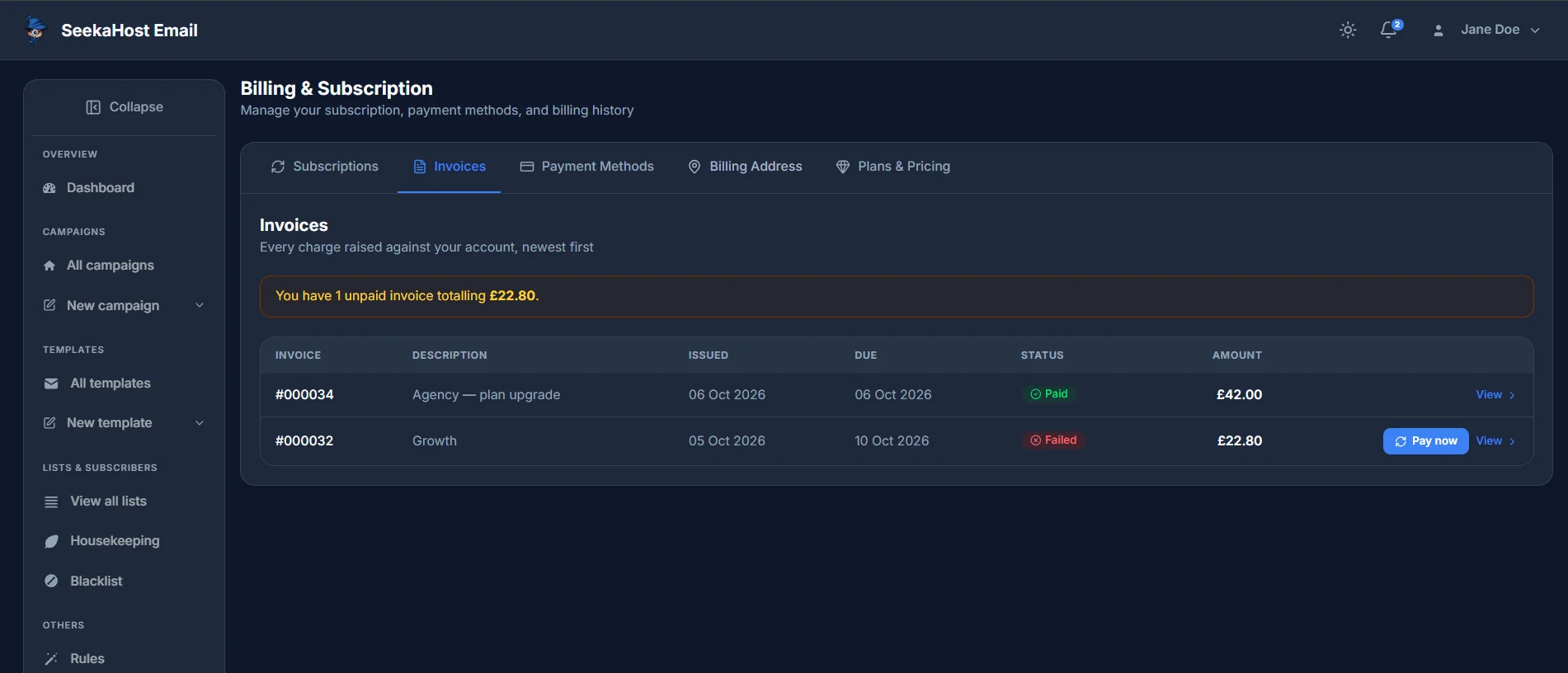
If it's still unpaid
Once the grace period runs out without payment, your subscription is cancelled automatically and sending stays suspended until you choose a plan again.