
How you check on a domain's verification depends on whether you're still in onboarding or managing it later from Settings.
During onboarding
This happens automatically - while the verification step is open, we recheck every 15 seconds, so you'll see it update on its own once your DNS records have published.
From Settings
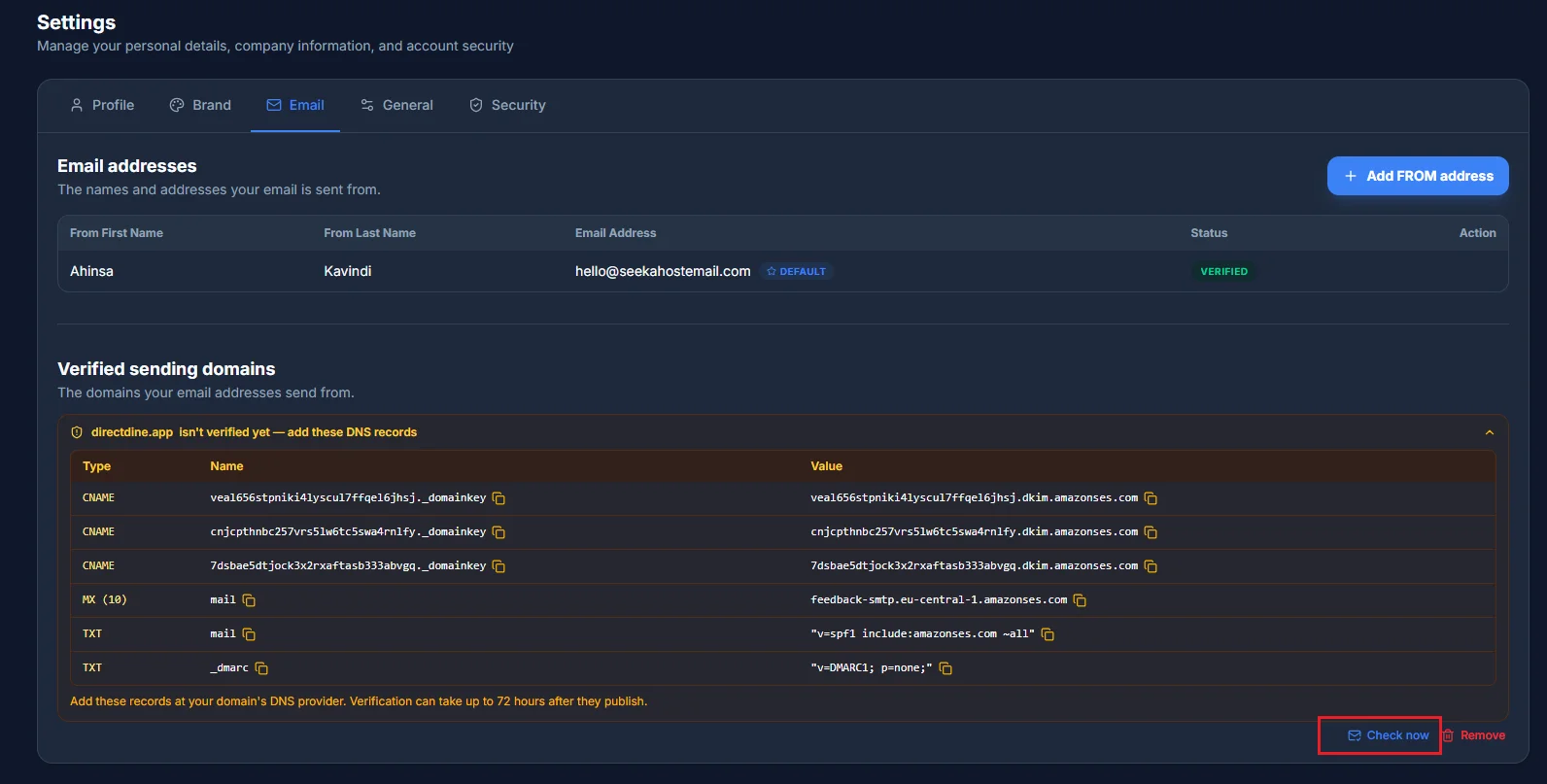
Once you're past onboarding, checking is manual: open Settings → Email, find the domain, and click Check now to force an immediate recheck.
What's happening behind the scenes
Even without clicking anything, an unverified domain is automatically rechecked roughly every 15 minutes for up to 30 days, and a verified one is reconfirmed about once a day. Check now keeps working at any point even after that 30-day window - if a domain still isn't verifying, double-check the DNS records are published exactly as shown, since propagation can take up to 72 hours depending on your DNS provider.