
Once your email address is verified, you're ready to sign in with the password you created during sign-up.
Arriving at the sign-in screen
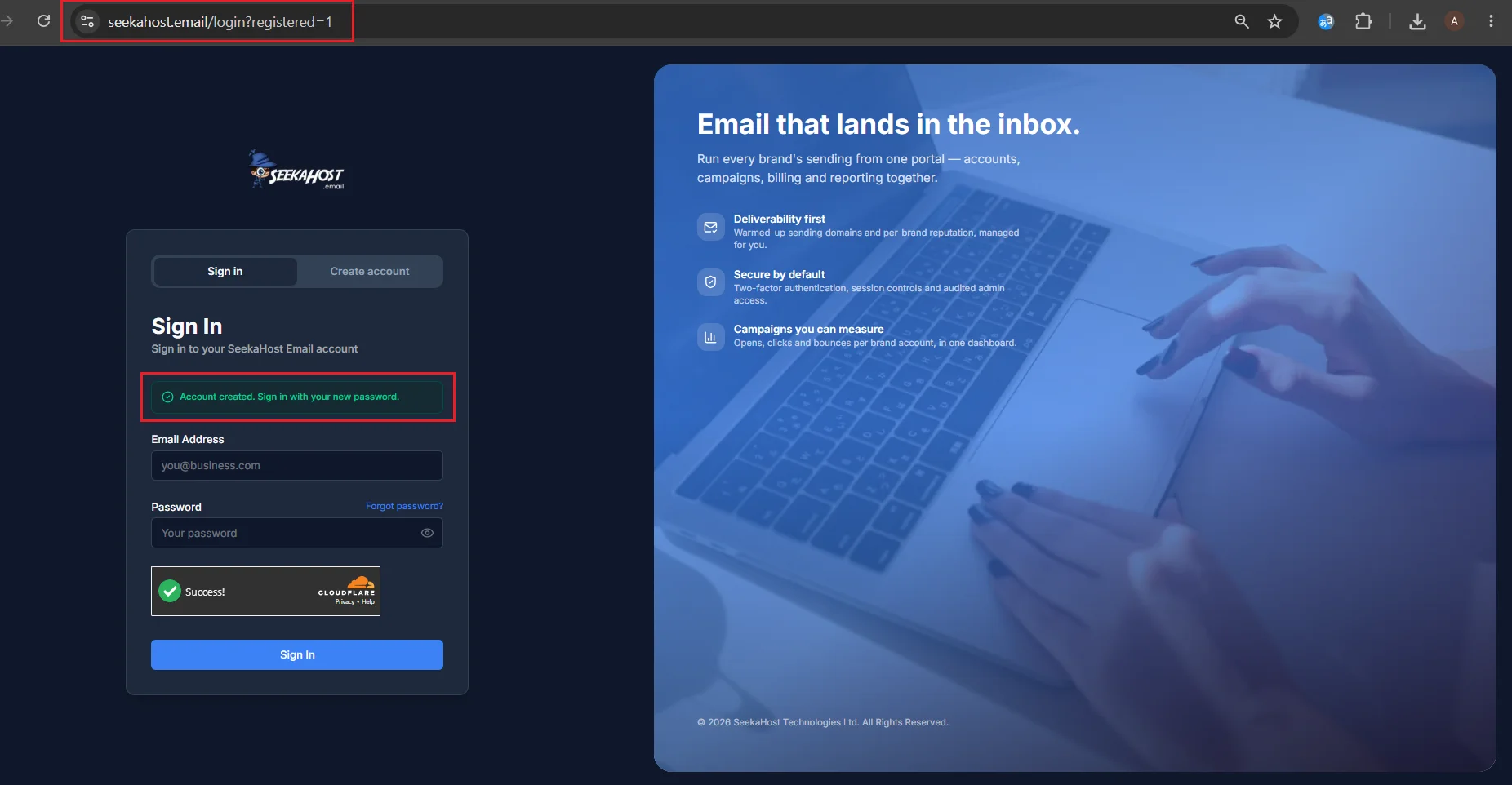
Straight after verifying, you're taken to the Sign In tab automatically, with a confirmation banner letting you know your account is ready.
Signing in
Enter the email address and password you signed up with, then click Sign In.
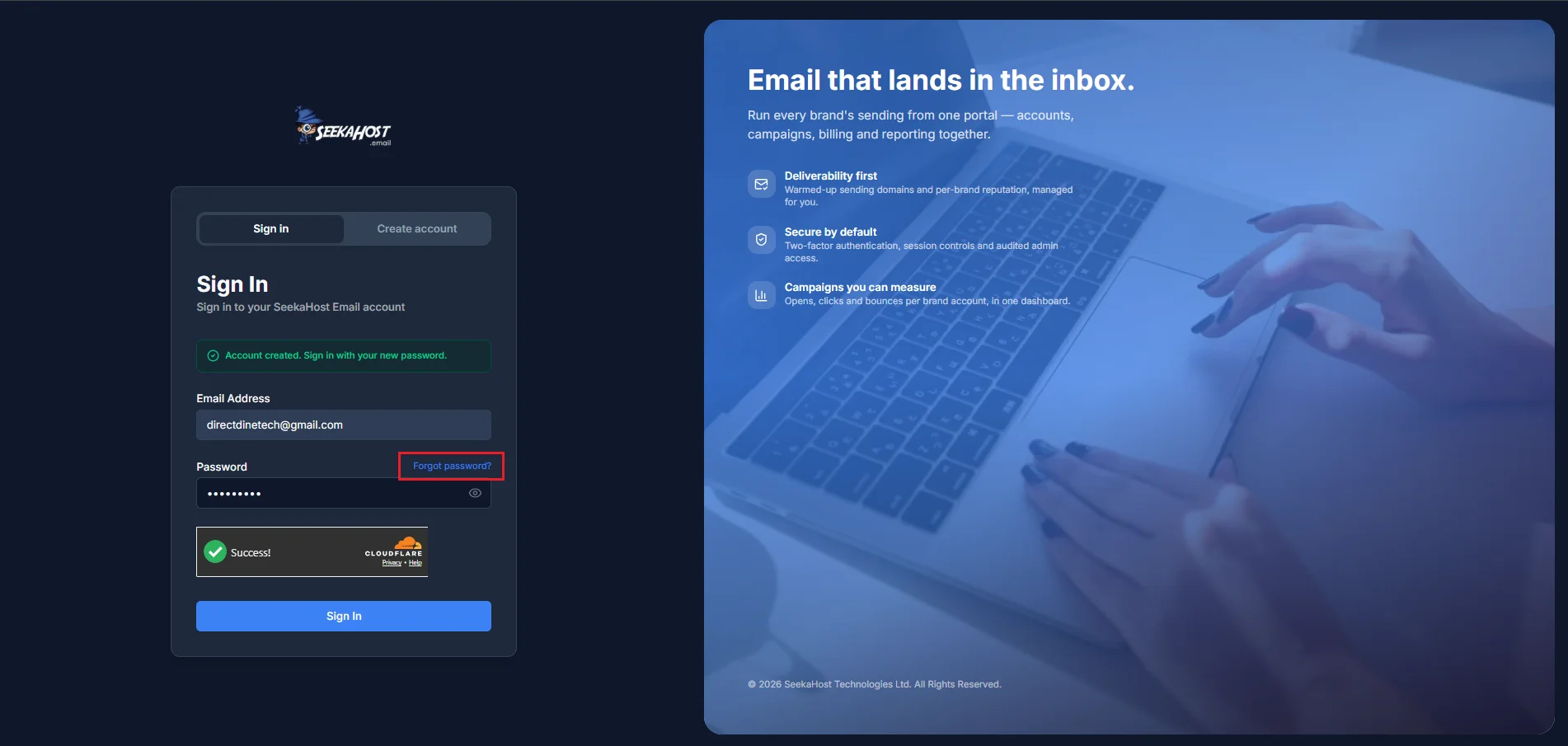
Can't remember your password? How to reset a forgotten password →
If you've turned on two-factor authentication, you'll be asked for a code from your authenticator app as one extra step after this.
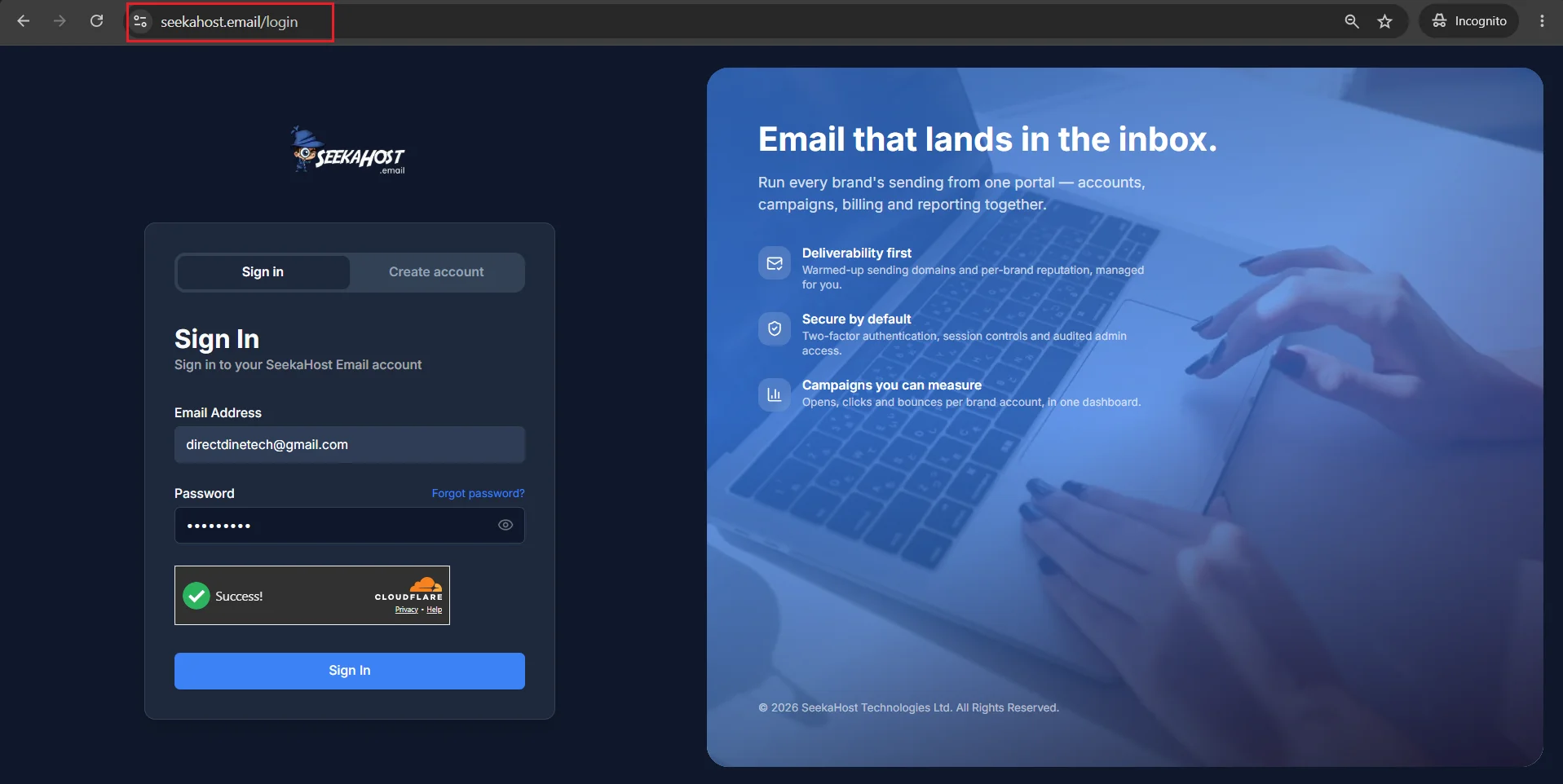
You'll see this same screen every time you come back to sign in later — just without the confirmation banner, which only appears right after you've created your account.
The first time you sign in, we'll walk you straight through setting up your business profile and sending domain. How to set up your brand profile →