
Here's how the timing behind your subscription actually works.
When you renew
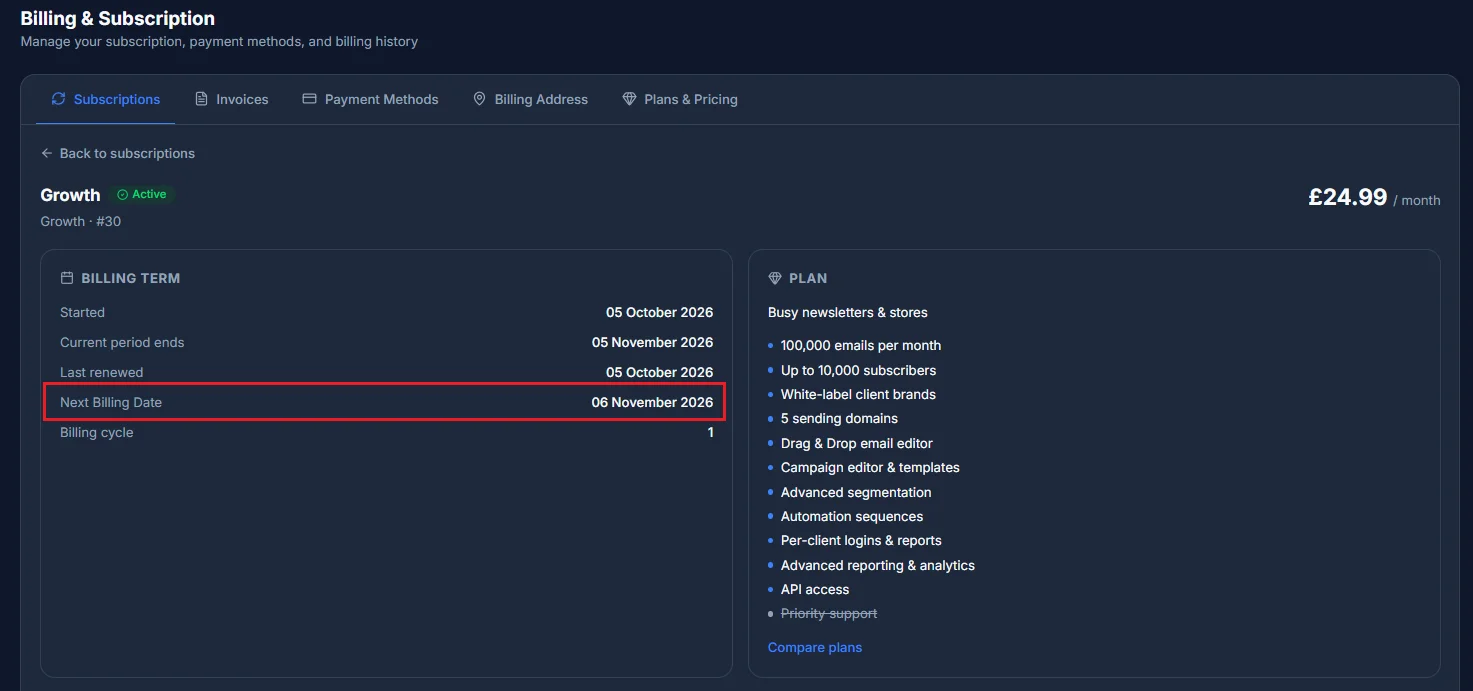
Your renewal date isn't a fixed calendar day - it's set the moment your plan starts, and runs in fixed-length terms from there. A monthly plan renews one calendar month after it started (clamped to the end of the month where needed - a plan that started on 31 January renews on 28 February). You can always see your exact renewal date on your dashboard's Your plan card, or on the subscription's own page in Billing.
How proration works
When you upgrade partway through a term, you're only charged for what you actually use - the remaining days at the new plan's price, minus a credit for the days you've already paid for on the old one. It's calculated purely by day, and your renewal date itself never moves because of a plan change.